Find nearby trucks
See which trucks are serving and where they’re parked.
 Download the app
See who’s serving nearby, order from your phone, and pick up at the window.
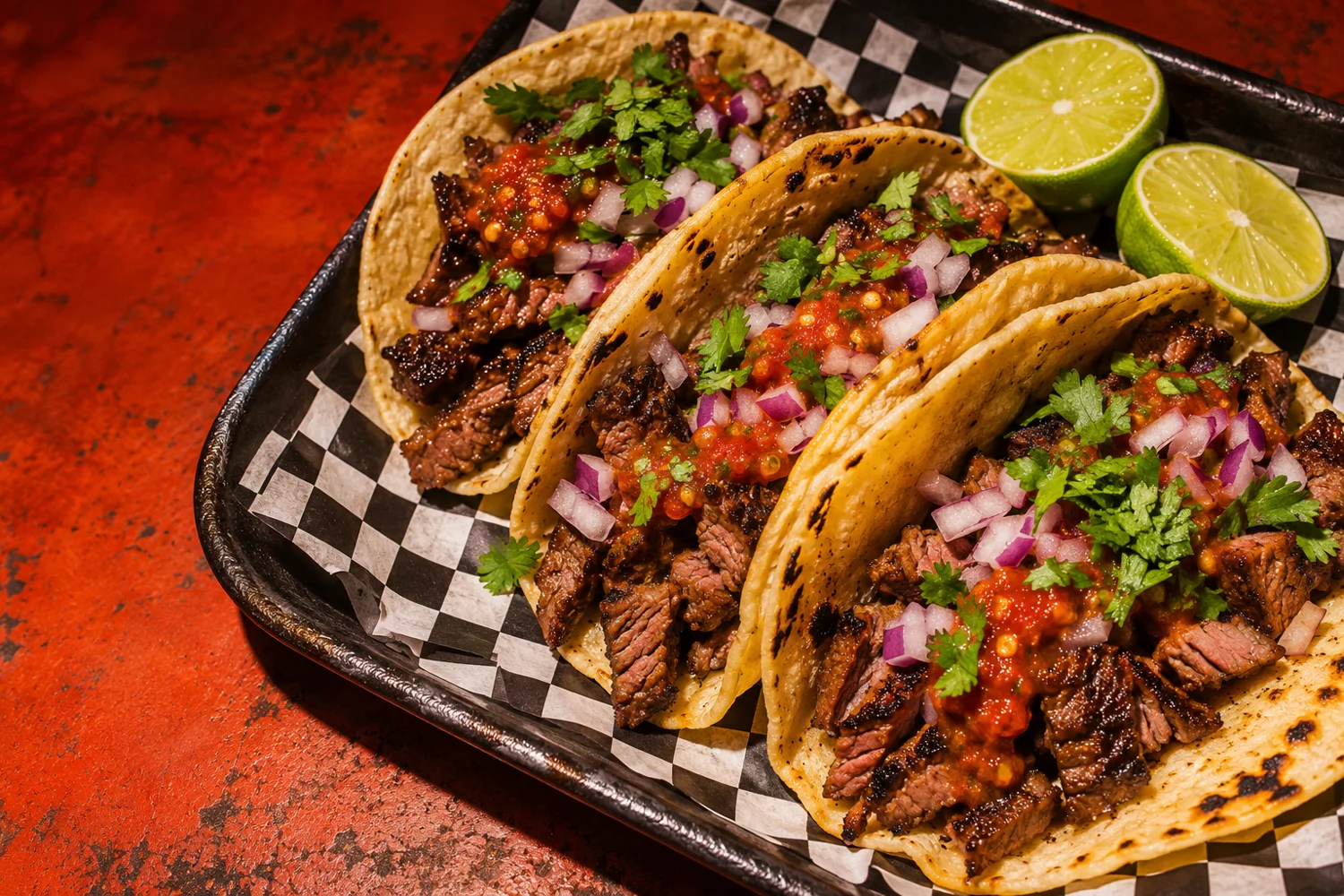
See which trucks are serving and where they’re parked.
Pick your meal and place a pickup order from your phone.
Get a notification when the crew marks your order ready.
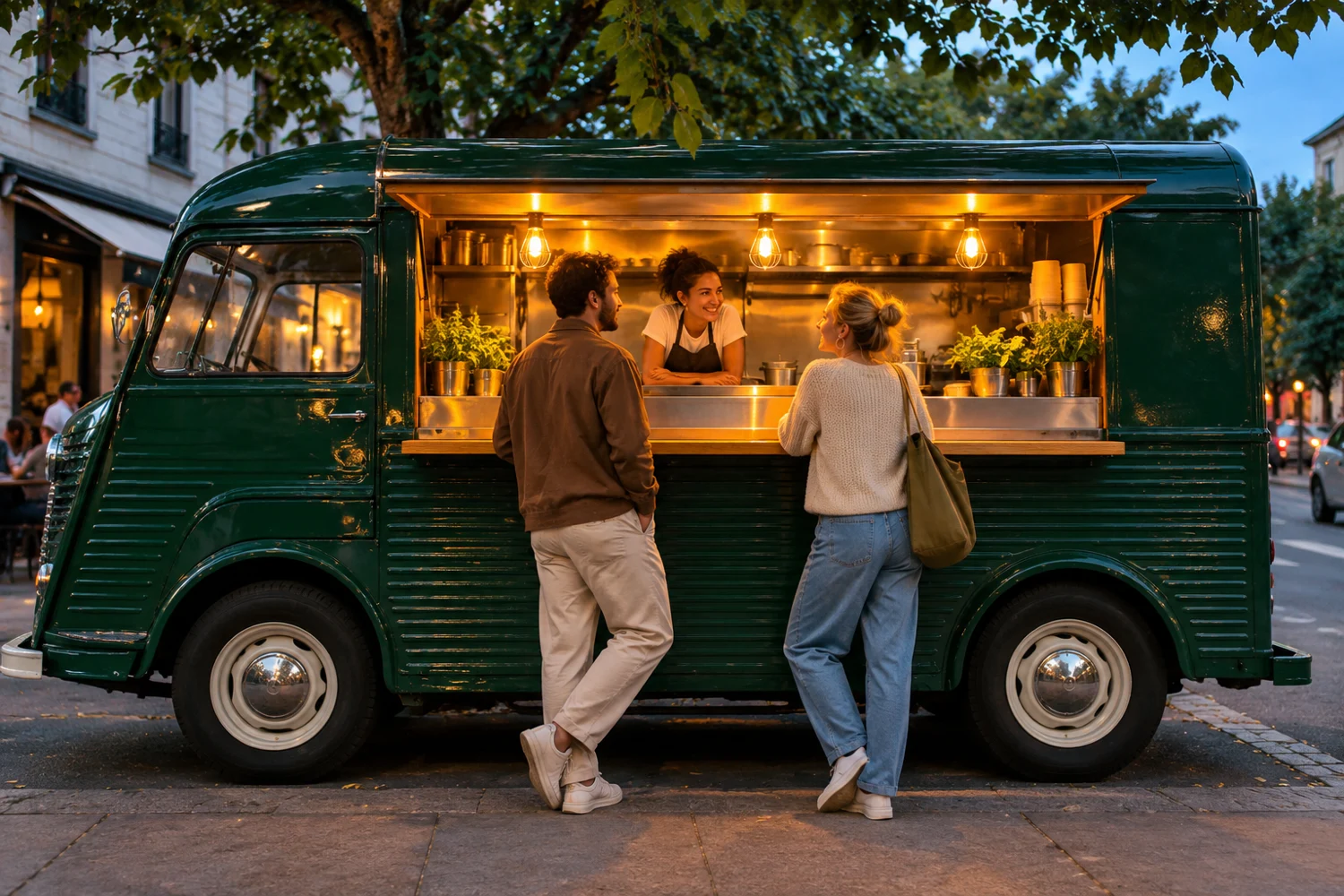
Show diners where you’re serving and when you’re open.
Update prices, quantities, and sold-out items during service.
Review incoming orders, accept them, and notify diners when they’re ready.
Illustrative examples for the preview.
“When the lunch rush hits, I can see the pickup orders in one place and mark each one ready as it leaves the kitchen.”
“If we sell out of a special, I can take it off the menu while we’re still serving.”
“We park in different spots during the week, so it helps to share where we’re serving before people head over.”
Meet the food truck brands featured by GrilledChili.
 Russo’s Trucktoria
 Andrew’s Bayou Ribs
 Curbside
 Destination Desserts
 Blues Fired
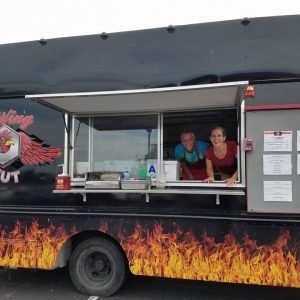 Wingnut
 2 Girls 4 Wheels
 Steak Louie
Check where it’s serving and browse the menu in the app.
Choose your meal and place a pickup order before heading over.
Head to the truck when GrilledChili tells you the crew has marked your food ready.
Find a truck and place a pickup order in the GrilledChili customer app.
Update its availability from the Merchant App. See how menu and stock management works.
Start with the merchant setup checklist and contact GrilledChili about onboarding.
Find your next lunch stop with the GrilledChili app.
Download GrilledChiliSee what the Merchant App can do during service.
Explore the Merchant App